
Light Effects: Add Light Leaks, Flares & Glow to Photos
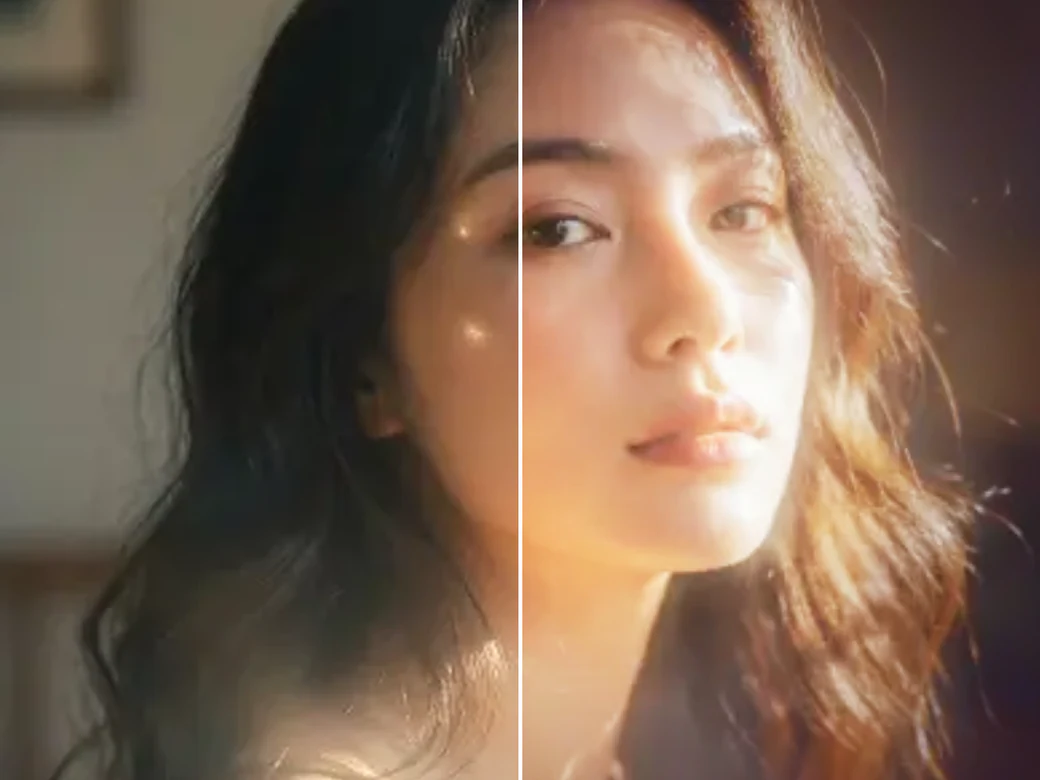
Facelab's Light Effects tool adds cinematic light leaks, lens flares, soft glow, and golden sun rays to your photos in seconds. Pick from 32 overlays, preview them live, and blend the effect to match your shot's mood, all directly in your browser. No software to install and no editing skills required.
Drop your photo here
JPG, PNG, WEBP
Explore more Facelab tools
AI Make Up Editor
Apply virtual lipstick, eyeshadow, and blush instantly.
Open Tool →AI Hairstyle
Try any hairstyle and color — from subtle to bold.
Open Tool →Object Remover
Erase unwanted objects from photos with AI precision.
Open Tool →Background Remover
Remove any background in seconds with AI precision.
Open Tool →Watermark Remover
Erase watermarks and logos from any image instantly.
Open Tool →AI Teeth Whitening
Brighten your smile with realistic whitening in one tap.
Open Tool →Eye Color AI Editor
Change eye color naturally — any shade, any photo.
Open Tool →Image Upscaler
Enlarge photos up to 4× without losing quality.
Open Tool →Body Editor
Slim, reshape, or adjust body proportions with AI tools.
Open Tool →Skin Retouch
Smooth skin, reduce blemishes, perfect your complexion.
Open Tool →Face Shape Editor
Subtly reshape facial features with natural precision.
Open Tool →Resizing Image
Resize photos to any size without quality loss.
Open Tool →Instagram AI Photo Editor
Edit photos for Instagram with one tap AI presets.
Open Tool →Sky Replacement
Swap a dull sky for a sunset, clouds or stars.
Open Tool →Background Blur
Blur the background like a portrait lens, or add bokeh.
Open Tool →Light Effects
Add light leaks, flares and a warm glow.
Open Tool →Photo Textures
Lay film grain, dust or paper over any photo.
Open Tool →Photo Color Correction
Fix exposure, color and tone with 17 dials.
Open Tool →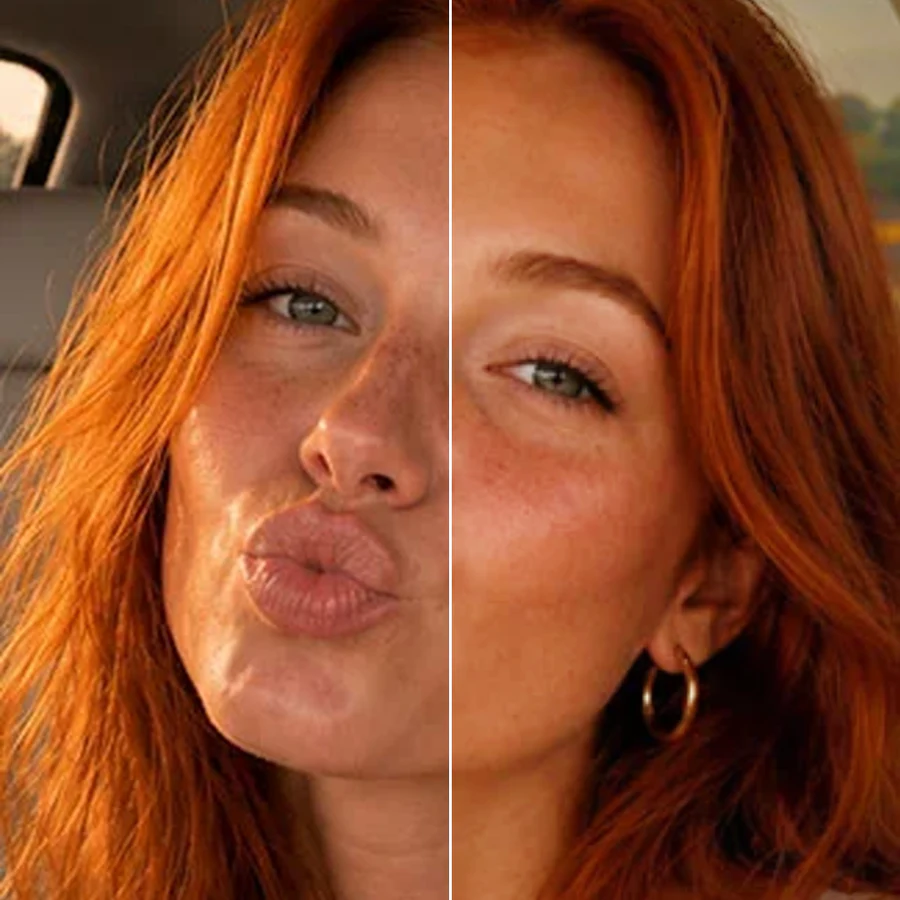
App to Add Light Leaks for a Retro Film Look
Light leaks give photos a warm, nostalgic film look, with streaks of color bleeding in from the edge of the frame. Facelab's app to add light leaks for a retro film look lets you choose from warm amber, cool blue, and rainbow leak overlays, then adjust the opacity and blend mode so the effect looks like it was captured in-camera, not pasted on top.
Add Lens Flare to Photos Without Looking Fake
A lens flare can make a photo feel like a real moment caught in bright light, but a flare that's too sharp or too centered reads as fake instantly. Facelab lets you add lens flare to photos with control over position, intensity, and color temperature, so the flash of light interacts naturally with your subject instead of sitting on top of it like a sticker.
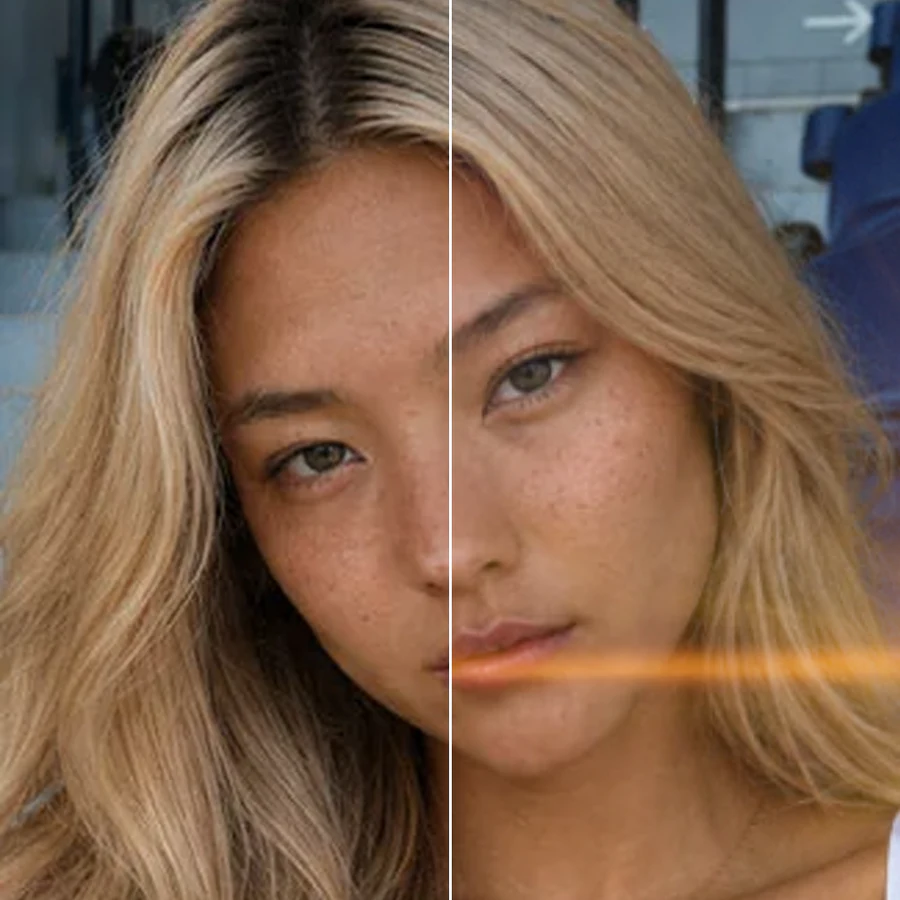
Turn Any Photo into Golden Hour with Sun Ray Overlays
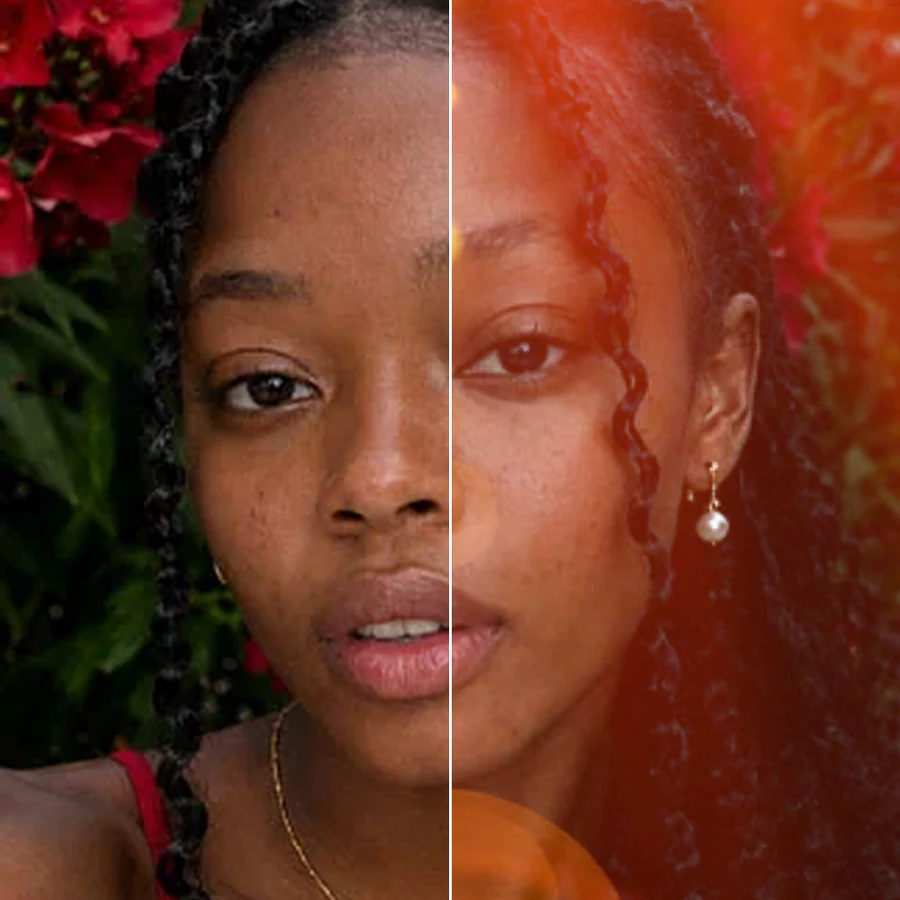
Not every shoot happens at golden hour. Facelab's sun ray overlays turn any photo into golden hour, with warm, directional light streaming through trees, windows, or fog in seconds. Pick an angle and intensity that matches your original lighting, and the rays blend into the scene as if the sun had been there all along.
Free Glow Effect for Dreamy, Editorial Photos
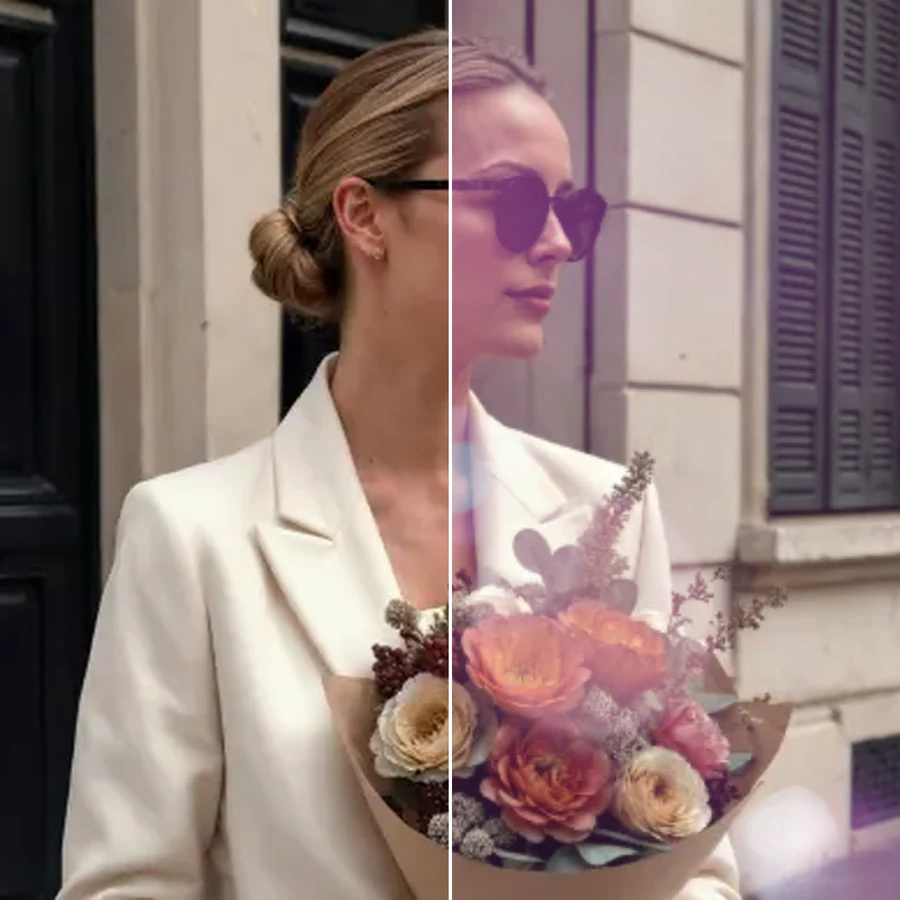
Soft glow gives portraits, fashion shots, and product photos a dreamy, editorial finish without softening away detail. Facelab's free glow effect brightens highlights, lifts skin tones, and adds a gentle bloom around light sources, giving your image the polished look of a professional beauty or lifestyle shoot, free to try right in your browser.
What our users say
“I used to spend 20 minutes editing photos by hand. Now it takes 5 seconds. The results look more polished too.”
“Perfect for my e-commerce store. My listings look so much more professional now — and it's instant.”
“I tried every free tool out there. Facelab handles edge cases — hair, fine details — better than anything else.”
“I shoot products on my kitchen table. Facelab makes them look like a proper studio shot every time.”
“Used to outsource at $5 a photo. Now it's instant and free. The quality is identical — clients can't tell.”
“I edit photos for marketing assets in minutes. It completely changed how fast I can ship creative.”


Do more with the Facelab app
Get 25+ AI-powered editing tools, filters, and creative effects — free on iOS and Android.


Facelab Light Effects: Frequently Asked Questions
Learn how to add light leaks, lens flares, glow, and sun rays to your photos with Facelab. Read our FAQ to discover how the Light Effects tool blends 32 overlays into any shot, right in your browser, with no software to install.
What kinds of light effects can I add with Facelab?
Facelab's Light Effects tool includes 32 overlays across four families: light leaks, lens flares, glow, and sun rays. Each overlay is adjustable for opacity, angle, and color, so you can dial in anything from a subtle warm glow to a dramatic beam of light.
Do I need to download software to use these light effects?
No. Every light leak, flare, glow, and sun ray overlay in Facelab is applied directly in your browser. There is nothing to install, no account required to try it, and your photo never has to leave your device to be processed.
Will the light effect look natural, or will it look like a sticker?
Facelab blends each overlay using the photo's own lighting and color, not a flat sticker placed on top. You can also adjust opacity, blend mode, and position so the light leak or flare reads as part of the original shot instead of an add-on.
Can I use light effects on portraits, or are they just for landscapes?
Both. Glow and soft light leak overlays are popular for portraits and beauty shots, while sun rays and dramatic flares work well on landscapes, travel photos, and product shots. Preview any effect on your own photo before committing to it.
Can I combine more than one light effect on the same photo?
Yes. You can layer a light leak with a glow, or add a lens flare on top of sun rays, then adjust each one's opacity independently until the combination matches the mood you are going for.
Is the Light Effects tool free to use?
Yes, you can try Facelab's Light Effects tool for free, right in your browser. Upload a photo, apply any of the 32 overlays, and download your result or keep editing it in the full Facelab editor.
Try Facelab Now!
Virtual makeup, skin retouching, and AI enhancement — free to try right now.
Free to download · No commitment required