
Try Facelab's AI Background Remover for Free
Remove image backgrounds in seconds. As a smart background remover, Facelab detects the subject and handles tricky edges like hair without manual tracing. No design skills needed: upload your photo in the app and remove background clutter for a social post or a clean cutout, free to try.

Drop your photo here
or click below to browse files
JPG, PNG, WEBP · up to 20 MB
The AI tool enables users to remove image backgrounds instantly. As a sophisticated background remover, Facelab uses advanced subject detection to handle even the most complex edges, such as hair or fur, without manual tracing. Our smart app requires no design skills; users can simply upload their photo for automatic processing. Whether you need to remove background clutter for a social post or prepare a clean cutout for a presentation, the service is free during the trial period and completes tasks within seconds.
How it works

Step 1
Upload your photo
Choose any photo to start editing. Supports JPG, PNG, and WEBP up to 20 MB.

Step 2
Let AI do the work
Our AI processes your photo in seconds — no manual selection or complex tools needed.

Step 3
Download or keep editing
Save your result, or open it in the Facelab editor to keep refining and adding finishing touches.
Explore more Facelab tools
AI Make Up Editor
Apply virtual lipstick, eyeshadow, and blush instantly.
Open Tool →AI Hairstyle
Try any hairstyle and color — from subtle to bold.
Open Tool →Object Remover
Erase unwanted objects from photos with AI precision.
Open Tool →Background Remover
Remove any background in seconds with AI precision.
Open Tool →Watermark Remover
Erase watermarks and logos from any image instantly.
Open Tool →AI Teeth Whitening
Brighten your smile with realistic whitening in one tap.
Open Tool →Eye Color AI Editor
Change eye color naturally — any shade, any photo.
Open Tool →Image Upscaler
Enlarge photos up to 4× without losing quality.
Open Tool →Body Editor
Slim, reshape, or adjust body proportions with AI tools.
Open Tool →Skin Retouch
Smooth skin, reduce blemishes, perfect your complexion.
Open Tool →Face Shape Editor
Subtly reshape facial features with natural precision.
Open Tool →Resizing Image
Resize photos to any size without quality loss.
Open Tool →Instagram AI Photo Editor
Edit photos for Instagram with one tap AI presets.
Open Tool →Sky Replacement
Swap a dull sky for a sunset, clouds or stars.
Open Tool →Background Blur
Blur the background like a portrait lens, or add bokeh.
Open Tool →Light Effects
Add light leaks, flares and a warm glow.
Open Tool →Photo Textures
Lay film grain, dust or paper over any photo.
Open Tool →Photo Color Correction
Fix exposure, color and tone with 17 dials.
Open Tool →
Remove Background from Photo for CVs
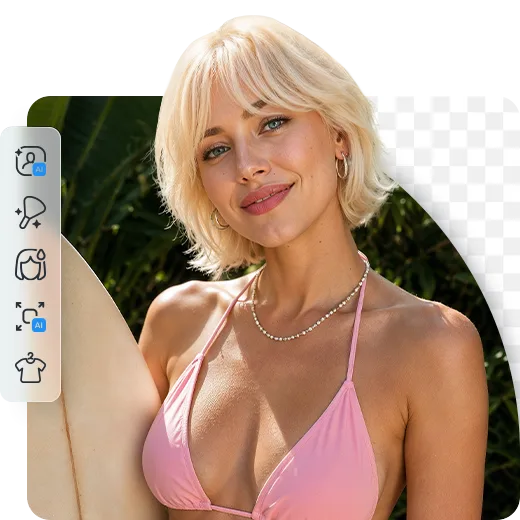
Facelab's background remover swaps distractions for clean, neutral backdrops. You no longer need a studio to remove background from photo sets for official documents. Create CV or passport-style photos in one click, isolated against a standard white or blue background.
Remove Background from Image to Change Scenery
Change your background to any scene: office, city, or beach. Remove background from image layers first, then place yourself anywhere. Great for profiles, product shots, or fun edits, and the AI matches the lighting so the new backdrop looks real.


Remove Background to Set Monochrome Color
Prefer something clean? Once you remove background clutter, a solid hue pulls all attention to your subject. Choose white, black, or any shade for a professional look that suits ID cards, websites, and e-commerce listings.
Save PNG with Transparent Background
Want to save a cutout for later? Export it as a PNG with a transparent background. Facelab becomes an asset maker: remove background from photo files and reuse the subject as a sticker, logo, or overlay in other design tools.
Stand out with Facelab.
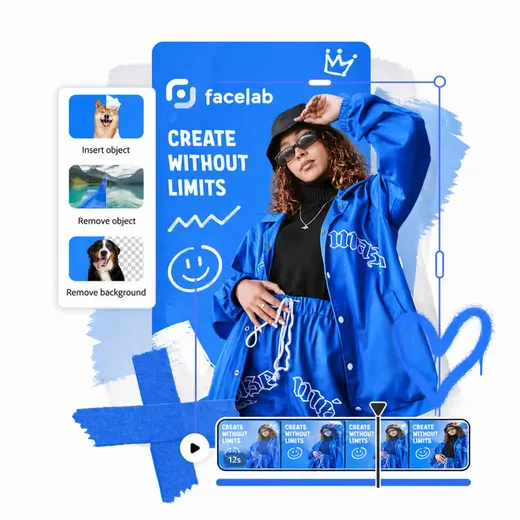
Facelab is the quick and easy photo editing app to make impactful social posts, product images, and creative visuals. Create one-of-a-kind content fast — regardless of skill level — with powerful AI tools, an intuitive editor, and professional results ready to share in seconds.
What our users say
“I used to spend 20 minutes editing photos by hand. Now it takes 5 seconds. The results look more polished too.”
“Perfect for my e-commerce store. My listings look so much more professional now — and it's instant.”
“I tried every free tool out there. Facelab handles edge cases — hair, fine details — better than anything else.”
“I shoot products on my kitchen table. Facelab makes them look like a proper studio shot every time.”
“Used to outsource at $5 a photo. Now it's instant and free. The quality is identical — clients can't tell.”
“I edit photos for marketing assets in minutes. It completely changed how fast I can ship creative.”


Do more with the Facelab app
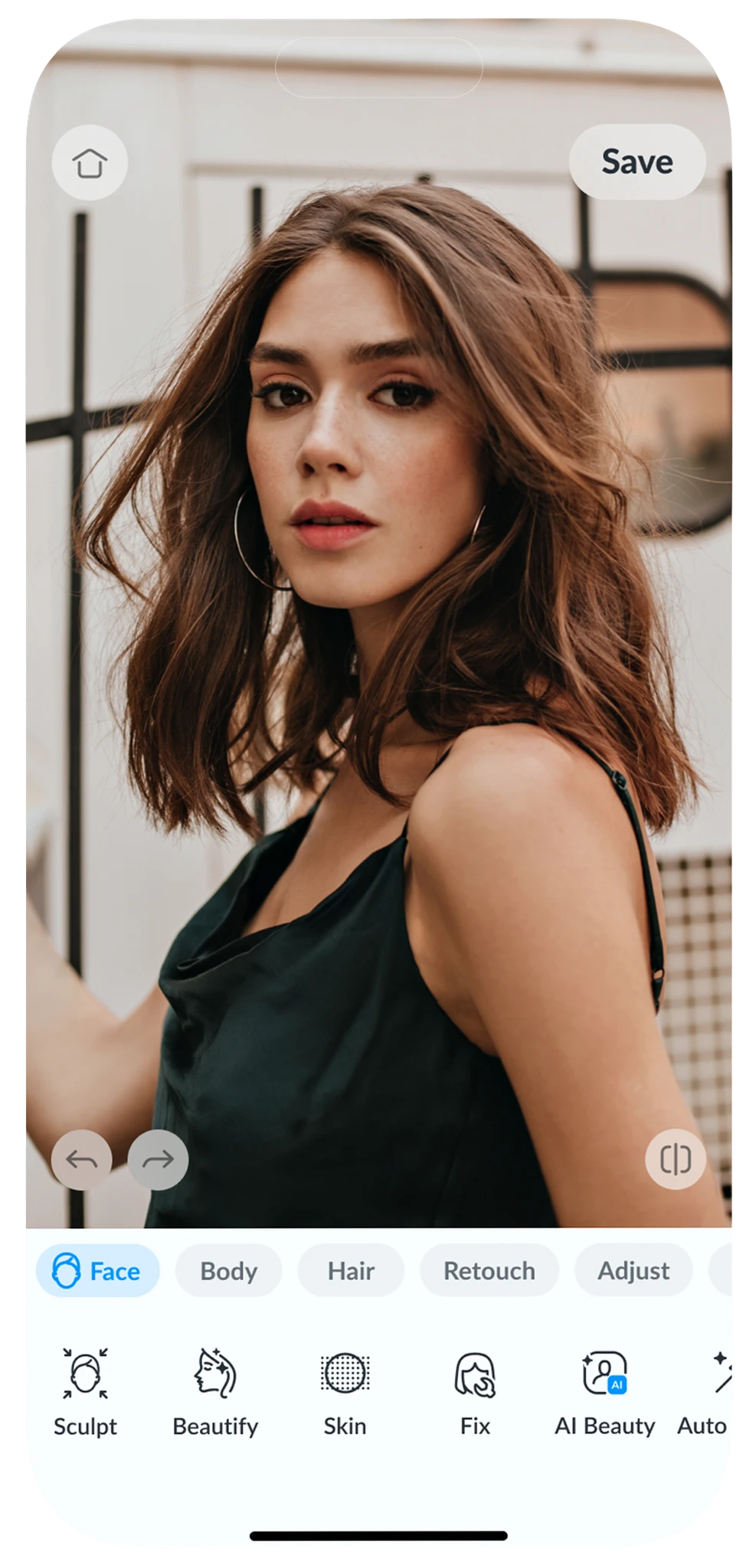
Background removal is just the beginning. Get 25+ AI-powered editing tools, filters, and creative effects — free on iOS and Android.


Do more with Facelab
AI retouching, virtual makeup, effects, and more — free to download.
Facelab AI Background Remover: Frequently Asked Questions
Instantly isolate your subject with Facelab's AI Background Remover. Whether you are creating a professional LinkedIn profile, listing products for e-commerce, or making fun stickers, our advanced AI edge-detection technology separates the foreground from the background with pixel-perfect precision—handling even tricky details like hair and fur in seconds.
How does AI background removal work?
Facelab's AI uses a deep-learning model trained on millions of images to detect the primary subject and separate it from the background with pixel-level precision. No manual tracing or masking is required. The entire process takes under 5 seconds.
Is this background remover really free?
Yes. The online background removal tool on this page is completely free — no account required, no watermarks, and no limits per day. For high-resolution exports and full editing features, the Facelab app is available free on iOS and Android.
What image formats are supported?
You can upload JPG, PNG, and WEBP files up to 20 MB. The output is a transparent PNG, which you can place on any background or import into a design tool.
How accurate is the background removal for hair and fine edges?
Facelab's AI performs well on complex edges including curly hair, flyaways, fur, and translucent objects. Results are significantly better than most free tools because the model is specifically optimised for fine-detail edge detection.
Can I use this tool for product photography?
Absolutely. Removing backgrounds from product photos is one of the most common use cases. The AI handles flat-lay items, packaged goods, and 3D objects on any background, producing clean, transparent cutouts ready for e-commerce listings.
What can I do after removing the background?
After downloading your transparent PNG, you can place the subject on a new background colour, add it to a design template, or open the Facelab app to apply additional edits: skin retouching, filters, resize, and more.
How does the Facelab AI Background Remover handle complex edges like hair?
Facelab's AI Background Remover is built on advanced semantic segmentation models. Unlike older tools that leave jagged edges, the Facelab AI engine precisely detects fine details such as hair strands, fur, or semi-transparent fabrics. It automatically separates these elements from the background, ensuring the final cut-out looks smooth and professional.
Can I save images with a transparent background for design projects?
Yes, saving as a transparent PNG is a core feature of Facelab. Once the background is removed, you can export the image with an alpha channel (transparency). This is perfect for creating digital stickers, overlays for videos, or marketing materials where you need to layer your subject over other designs.
Is this tool suitable for creating professional CV or passport photos?
Absolutely. Facelab is widely used to convert casual photos into professional headshots. After removing a distracting background, you can instantly replace it with a solid, neutral color (like white, grey, or blue) or a professional office setting. This allows users to create high-quality images for LinkedIn profiles, CVs, and official documents directly from their phone.
Can I replace the background with my own custom image?
Yes, the Facelab Background Changer gives you total creative freedom. After removing the original backdrop, you can upload a custom image from your gallery or choose from Facelab's library of high-quality presets. The AI automatically adjusts the lighting on your subject to match the new background for a realistic composite.
Is the Background Remover useful for e-commerce and product photography?
Facelab's Background Remover is an essential tool for online sellers. You can photograph a product on a regular table, remove the clutter, and replace it with a pure white background in one tap. This meets the strict photo requirements for platforms like Amazon, eBay, and Shopify.
Is the Facelab Background Remover free to use?
Facelab offers a free trial period that allows users to test the background removal speed and accuracy. Basic removal features are often accessible, but saving in high-resolution PNG format or accessing the full library of premium background presets typically requires a Facelab Pro subscription.